
Short answer
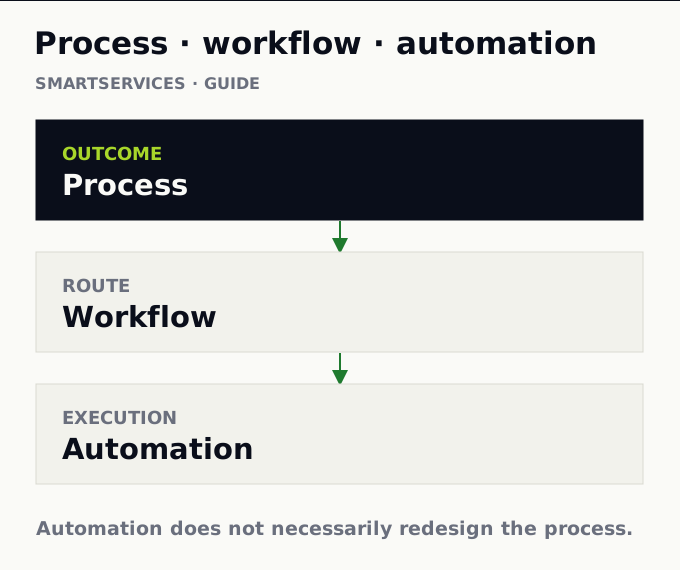
A business process organizes work to produce an outcome. It has a trigger, an output, owners, and a way to decide whether the result is acceptable. For a customer complaint, the outcome is not “move a ticket.” It is to resolve the issue, communicate the decision, and keep a record. The work may cross sales, finance, and support. Our “what, how, what executes” model is a useful operating explanation, not a universal academic definition.
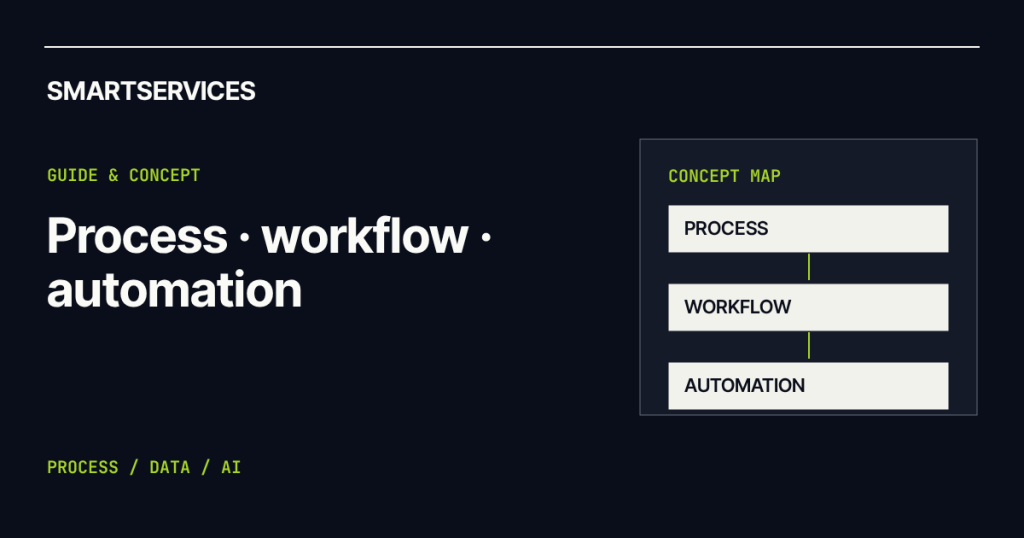
In one sentenceA process defines the outcome, a workflow maps how work moves, and automation executes selected steps with less manual effort.
Start with the business process
Agree on the outcome before drawing steps. What starts a complaint? What counts as resolved? Which time, cost, or error measure matters? If teams answer differently, the process is not yet clear. A tool will not settle that disagreement.
Map the workflow
The workflow describes how work travels: steps, sequence, decisions, and handoffs between people and systems. In the same complaint: receive → verify details → classify → assign → resolve → notify → close. One branch may request missing information; another may escalate to a specialist. A workflow explains the route to the outcome, not the outcome itself.
A useful map includes ownership and exceptions. “Verify invoice” is incomplete if nobody knows what happens when the invoice is missing. Business Process Model and Notation (BPMN) provides formal elements for events, activities, and gateways. A first discussion need not use every symbol, but it must expose real decision points.
Choose what to automate
Automation makes selected steps run with less manual execution. A system can check whether an invoice exists, query an enterprise resource planning (ERP) system, and notify a customer about status. That does not automatically redefine refund authority or the meaning of a fair resolution. Automation changes execution inside a workflow; it does not necessarily redesign the process.
| Concept | Question | Complaint example |
|---|---|---|
| Process | What outcome must be produced? | Resolve and communicate the complaint correctly. |
| Workflow | How does work move? | Receive, verify, assign, resolve, close. |
| Automation | Which steps stop needing manual execution? | Query the invoice and send status updates. |
Follow one case from start to finish
Hypothetical example: a team receives 500 complaints each month. Someone copies emails into a spreadsheet, looks up each purchase, and forwards the case. First, define which complaints have a standard resolution and which need judgment. Then inspect the actual workflow. Perhaps many cases bounce back because the initial form never asks for an order number. Fixing that input removes work before anyone automates it.
Next, automate invoice lookup and route inconsistent records for review. Measure time to a correct resolution, reopened cases, and customer impact—not only tickets touched per hour. A faster handoff is not an improvement if it creates more rework.
Redesign before accelerating
Automating a badly designed process can make the same problem happen faster. Three approvals that add no control remain three delays when a bot connects them. A wrong field copied automatically can spread across more systems. Redesign may mean removing a step, collecting a datum earlier, or separating routine cases from exceptions. It does not always require new software.
Rules, AI, and the boundary between them
When a valid input and an explicit rule determine the output, start by evaluating deterministic automation. For example: invoice found + amount within policy → route to the standard queue. The rule is testable and easier to audit. If complaints arrive in free text, include varied documents, or require interpretation, AI may help classify or extract. Exception approval may still require a person. See human-in-the-loop AI for that handoff.
If the real route is unknown, process mining can reveal paths from system events. If the route is clear but systems cannot exchange data, the issue is integration. Diagnose before selecting a tool.
Frequently asked questions
Is a workflow the same as a process?
The words overlap in practice. Here, process names the outcome and workflow maps the path. The distinction keeps teams from mistaking activity for progress.
Is digitization the same as automation?
No. Replacing a paper form with a screen can preserve every manual approval and copy step. Automation changes how a step gets executed.
Can we automate only part of a process?
Yes. Stable inputs and explicit rules often make a good first scope, provided exceptions have a visible route.
When should we measure the process?
Before and after the change. Without a baseline for time, errors, and rework, speed alone can be misleading.
How Smartservices uses the distinction
Smartservices starts with the outcome and the route work actually takes. Then we choose among redesign, integration, rules, and applied AI. Process automation is one capability, not a mandatory starting point. Our method follows that order.